



Planning
If the scheduled ride for the selected time is available, the application will offer it before sending the order. Creating a plan does not guarantee a future driver.
Weyo will be operational from 1 November 2026.

For passengers
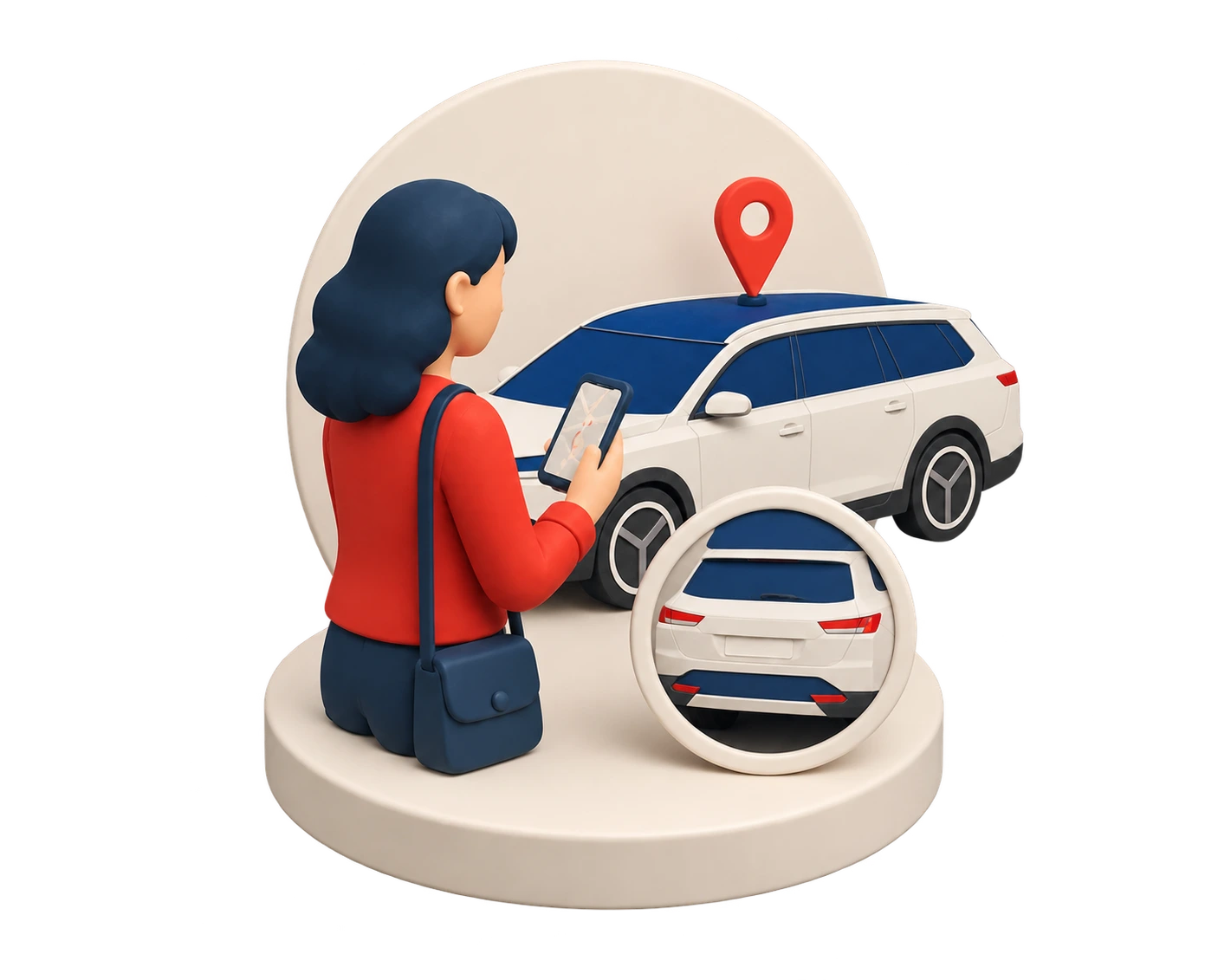
Before the ride, check the route and confirmed offer. Get in only after confirmation and after matching the vehicle to the details in the app.

Progress
From the first route to car verification, the app keeps every important moment in one place.
01
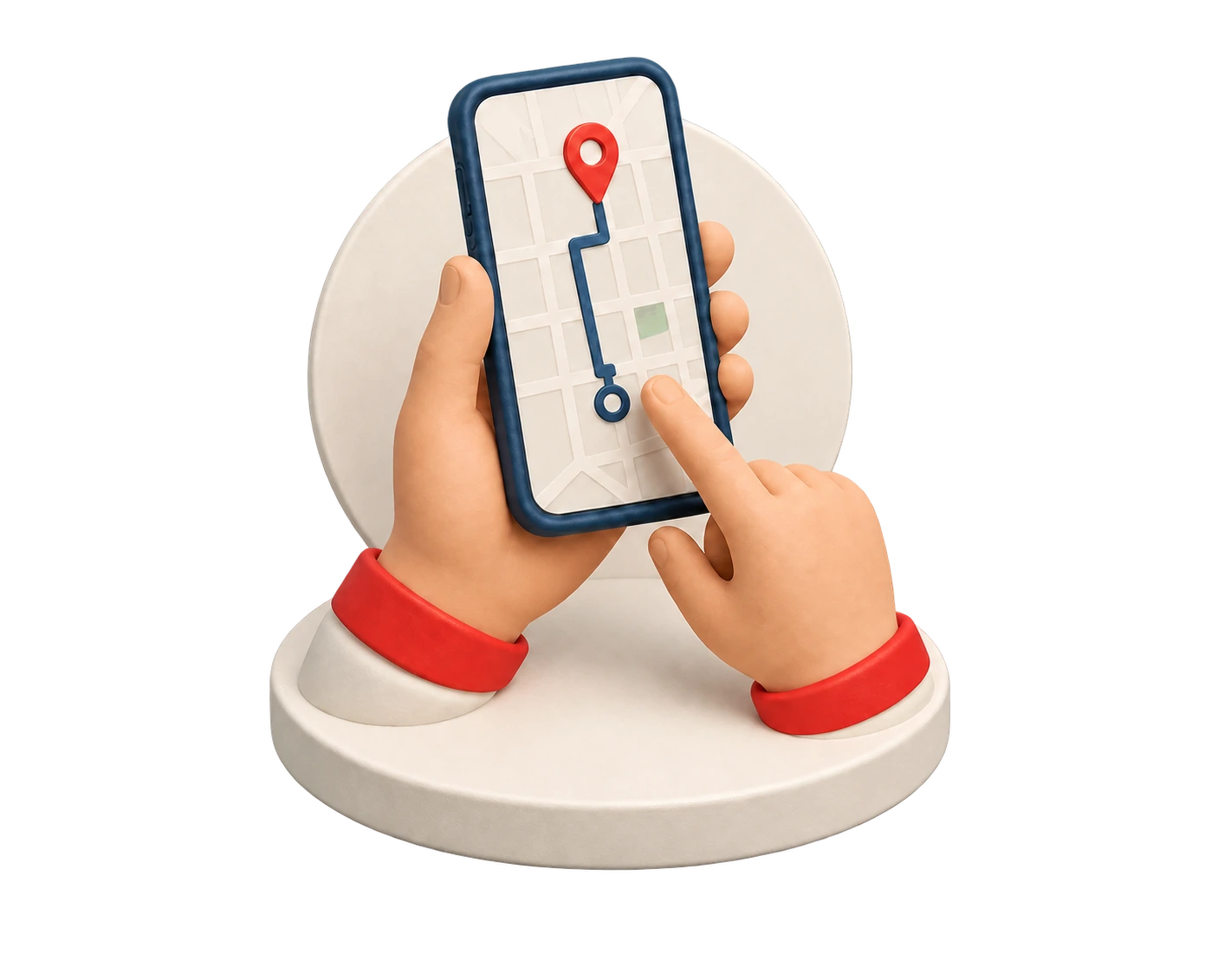
Choose the pickup point, destination, and options offered by the app for the specific request.
02
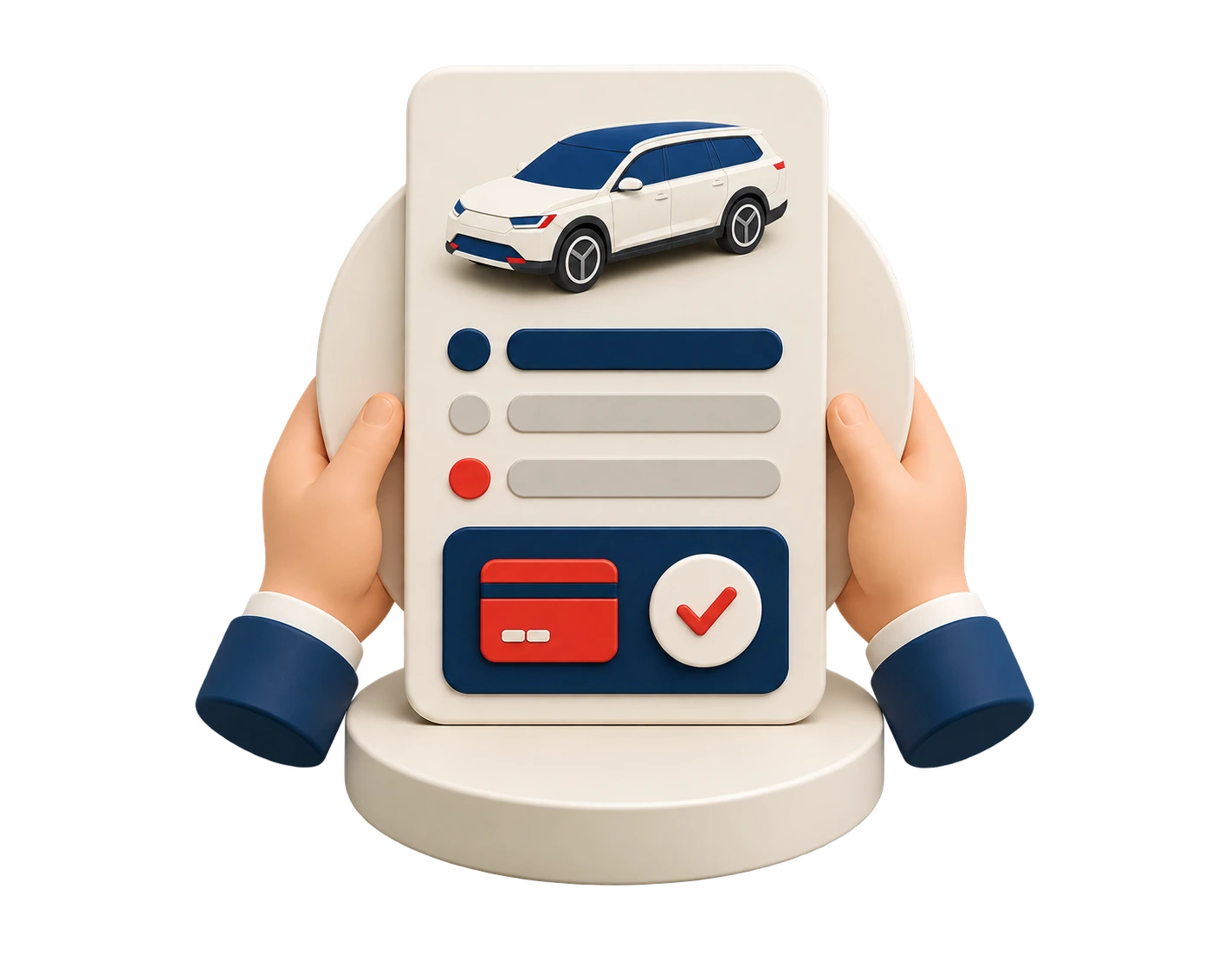
Before confirming, you’ll see the route, price, and important ride terms.
03
The app will look for an available driver. The ride is confirmed only after a driver accepts your request.
04
Once received, the information required for safe and easy pickup will be displayed.
05
Match the car and driver with the app, get in and watch the confirmed progress.
Route options
Availability is always confirmed by the application according to the location, time and current market rules.
If the scheduled ride for the selected time is available, the application will offer it before sending the order. Creating a plan does not guarantee a future driver.

Stops can only be added to the extent that the application allows for a specific route. The confirmed order remains decisive.
Payments
We show approved payment methods separately. The specific request in the app always confirms actual availability.
01 / Payment method
It may be offered for a specific request. If it is not shown in the offer, it is not available.
02 / Payment method
A payment card can be used only when it is offered for the specific request. The app shows the payment result and confirmed status.
03 / Payment method
Apple Pay will only appear for orders for which this method is available. The use and result of the payment is confirmed by the application.
04 / Payment method
Google Pay will only appear for orders for which this method is available. The use and result of the payment is confirmed by the application.
Availability
Pickup location, time, price, and an eligible driver are verified when you request a ride.
Before boarding
Check the car, driver and pickup location by app. If the data does not match, do not enter and use the available help procedure.
Ride help